

How to Make a WordPress Website
In today’s world, your website is your most important employee. It’s your 24/7 salesperson, your lead-generation machine, and the first impression you make on potential customers, especially if you are a primarily online business. For local businesses, a professional, high-performing website isn’t just a nice-to-have, it’s a necessity.
But where do you start? The idea of building a website can feel overwhelming. That’s why we made this comprehensive, step-by-step guide. At Orbit Digital Studio, we build custom WordPress websites every day, and we want to make the process easier for you.
Here’s how to make a WordPress website that will help your local business thrive.
The Foundation – Your Domain name and Hosting
To be able to get to your website once it’s built, you will first need a domain name and WordPress hosting. A lot of new website owners will confuse a domain name with hosting, or think they are the same thing. Let’s break it down so it’s easy to understand.
If you don’t know a domain name is like the street address for your business on the internet (e.g., orbitdigitalstudio.com). It should be memorable, easy to spell, and say as well as reflect your brand.
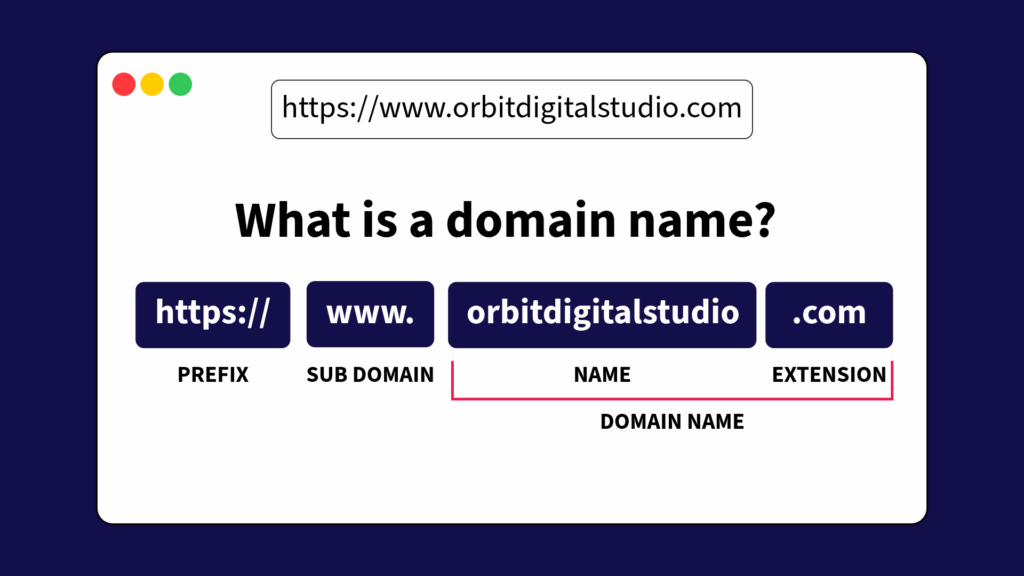
A domain name typically costs around $14.00 a year, but prices vary based on the extension you get (.com, .org, .net, etc.)
Now when it comes to WordPress hosting this is where your website’s files live. So think about it like this. If your domain is your street address, then your webhosting is your house, or place of business. It’s where all website content, images, and files are stored.
Studio Insight: Selecting the right domain and hosting is a critical first step. We can handle this entire process for you, ensuring your website is built on a fast, secure, and reliable foundation from day one
The Next Part Is Installing WordPress
Once you have your domain and hosting all figured out, the next step is to install WordPress. WordPress is a super powerful, flexible, and user-friendly platform we use to build all of our client websites. many hosting providers offer a “one-click” WordPress installation, which simplifies the process a ton.
The installation process creates the basic framework for your website, giving you access to the WordPress dashboard, which is the command center for your website.

Now For The Fun Part: Choosing A Theme
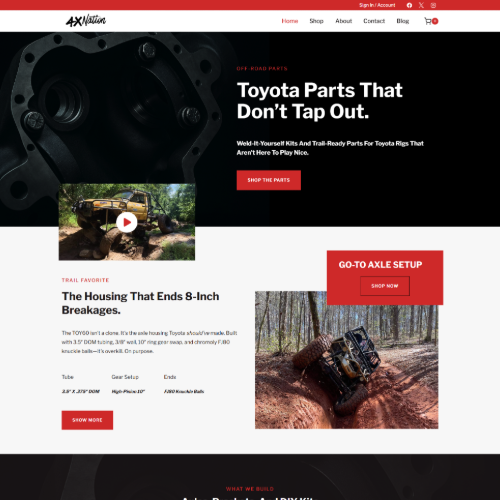
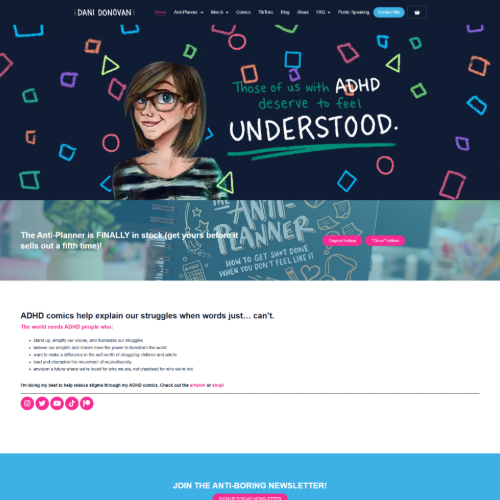
A WordPress theme is a few different things. It can be a pre-designed template that you just have to change content in. Or It’s a framework of tools for you to start with, that controls the look and feel of your website. This is one of the most important decisions you’ll make, as it directly impacts how customers perceive your business.
Studio Insight: Your website’s design should build trust and credibility. A generic website can make you look like every other business. We specialize in creating custom WordPress designs that make our clients stand out and convert their visitors.
Creating Your Essential Pages
Every business website needs a few core pages to tell its story and guide visitors.
Customizing & Adding Your Content
With your theme and pages in place, it’s time to customize everything! This includes uploading your logo, choosing your brand colors, fonts, and most importantly, adding your content.
Your content, the text and images, and other data on your site is what will engage your audience and persuade them to choose you. Write clear, concise copy that speaks directly to your ideal customer’s needs. With us at Orbit Digital Studio we are hoping to be speaking to other small businesses that need WordPress help.
Installing Must-Have Plugins
Think of plugins like apps for your website, or extensions, which add new features and functionality. While there are thousands of WordPress plugins to choose from, a few are essential for any business.
Studio Insight: Choosing the right plugins is key to a high-performing site. We make sure to use a curated set of premium, reliable plugins to ensure our client websites are fast, secure, and set up for SEO success. If we can make something happen without an extra plugin we will.
Taking Your Website To The Next Level
Congratulations! You now have a foundational understanding of how a professional WordPress website is set up to start being successful. Following these steps will put you on the right track. We also have other content going into more detail on individual subjects if you get stuck anywhere.
However, building a website that not only looks great but also actively helps your business grow requires strategy, expertise, and time. If you’d rather focus on running your business, let us handle the web side.